| Parameter | Type | Description | Required |
|---|---|---|---|
| output_workspace | Workspace | Path to the output workspace. | required |
| dem | Raster Dataset | Path to the digital elevation model (DEM). | required |
| processes | long | The number of stripes that the DEM will be divided into and the number of MPI parallel processes that will be spawned to evaluate each of the stripes. It is recommended to use no more than the number of cores on your computer. | required |
14 Validation
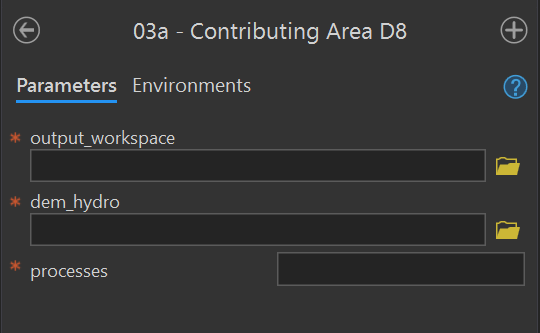
03a - Contributing Area D8
Purpose - This tool creates the D8 flow_accumulation_d8 and flow_direction_d8 rasters in the output workspace for a given input DEM using these instructions in the user manual.
Code - This ArcGIS script tool calls the Python script FluvialGeomorph-toolbox/tools/_03a_ContributingAreaD8.py.
Parameters - This tool contains the following parameters:
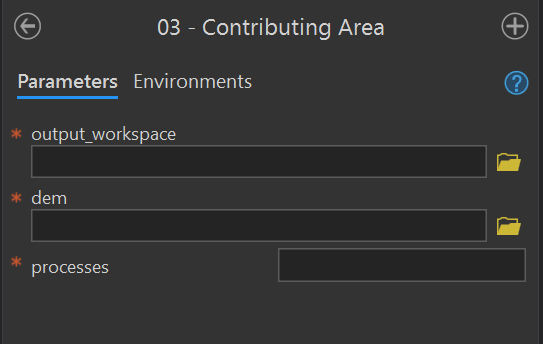
03 - Contributing Area
Purpose - This tool calculates the D-infinity contributing area for each pixel in the input DEM and creates a contributing_area raster in the output workspace using these instructions in the user manual.
Code - This ArcGIS script tool calls the Python script FluvialGeomorph-toolbox/tools/_03_ContributingArea.py. This Python script uses the TauDEM D-Infinity Contributing Area tool to calculate the specific catchment area (which is the contributing area per unit contour length using the multiple flow direction D-infinity approach).
Parameters - This tool contains the following parameters:
| Parameter | Type | Description | Required |
|---|---|---|---|
| output_workspace | Workspace | Path to the output workspace. | required |
| dem | Raster Dataset | Path to the digital elevation model (DEM). | required |
| processes | long | The number of stripes that the DEM will be divided into and the number of MPI parallel processes that will be spawned to evaluate each of the stripes. It is recommended to use no more than the number of cores on your computer. | required |
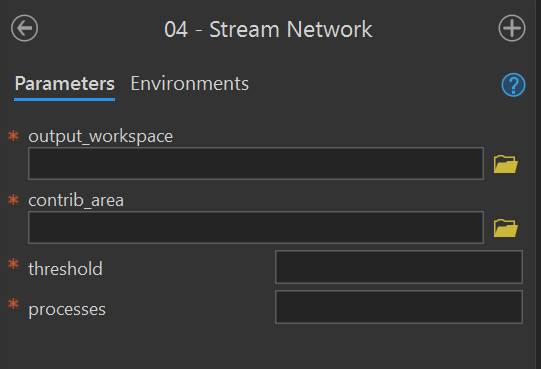
04 - Stream Network
Purpose - This tool creates the synthetic flow network stream_network polyline feature class from a contributing_area raster for a given stream initiation threshold using these instruction in the user manual.
Code - The ArcGIS script tool calls the Python script FluvialGeomorph-toolbox/tools/_04_StreamNetwork.py.
Parameters - This tool contains the following parameters:
| Parameter | Type | Description | Required |
|---|---|---|---|
| output_workspace | Workspace | Path to the output workspace. | required |
| contrib_area | Raster Dataset | Path to the D-Infinity contributing area raster created by the Contributing Area tool. | required |
| threshold | long | Flow accumulation threshold to initiate a stream expressed in the units of the source DEM used to accumulate the flow. | required |
| processes | long | The number of stripes that the DEM will be divided into and the number of MPI parallel processes that will be spawned to evaluate each of the stripes. It is recommended to use no more than the number of cores on your computer. | required |
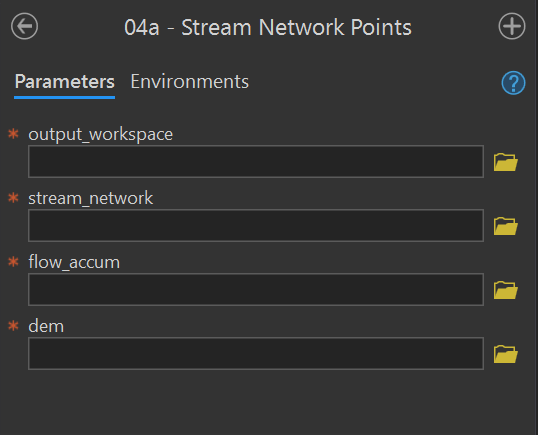
04a - Stream Network Points
Purpose - This tool converts the stream_network to the stream_network_points points feature class using the these instructions from the user manual. This tool extracts elevation information from the DEM and calculates the drainage area.
Code - This ArcGIS script tool calls the Python script FluvialGeomorph-toolbox/tools/_04a_StreamNetworkPoints.py.
Parameters - This tool contains the following parameters:
| Parameter | Type | Description | Required |
|---|---|---|---|
| output_workspace | Workspace | Path to the output workspace. | required |
| stream_network | Feature Class | Path to the edited stream_network feature class. |
required |
| flow_accum | Raster Dataset | Path to the flow accumulation model. | required |
| dem | Raster Dataset | Path to the digital elevation model (DEM). | required |
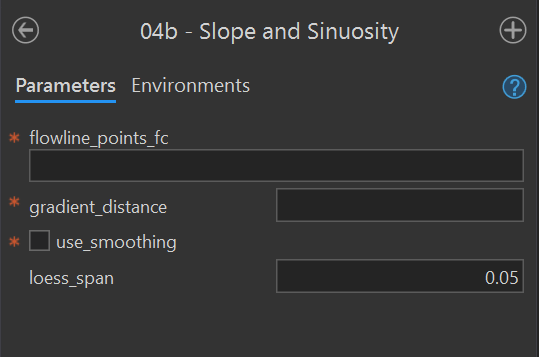
04b - Slope and Sinuosity
Purpose - This tool calculates the gradient_* points feature class for a flowline_points or stream_network feature class using these instructions from the user manual.
Code - This ArcGIS script tool calls the R script FluvialGeomorph-toolbox/tools/_04b_Gradient.R. This Python script call the R function fluvgeo::slope_sinuosity.
Parameters - This tool contains the following parameters:
| Parameter | Type | Description | Required |
|---|---|---|---|
| flowline_points_fc | Feature Class | The full path to a flowline_points feature class. |
required |
| gradient_distance | double | The number of features to lead (upstream) and lag (downstream) to calculate the slope and sinuosity. Must be an integer. | required |
| use_smoothing | Boolean | Determines if smoothed elevation values are used to calculate gradient and sinuosity (default is FALSE). | required |
| loess_span | double | The loess regression span parameter (defaults to 0.05). | required |
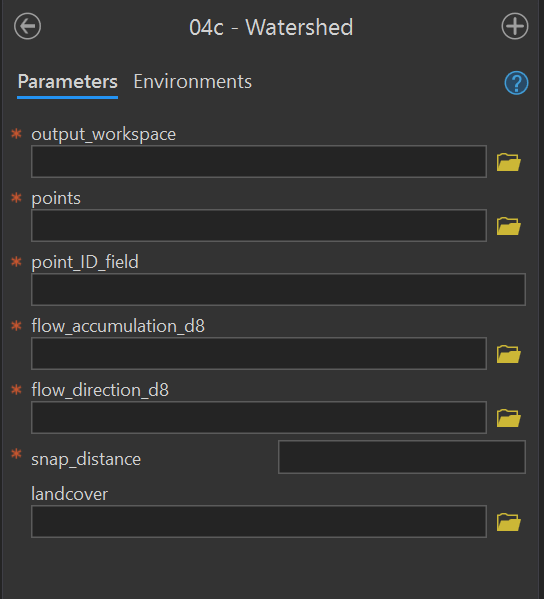
04c - Watershed
Purpose - This tool creates the watershed polygon feature class in the output workspace using these instructions from the user manual. This tool calculates the extent of the upstream drainage area for each point feature in the input watershed_points point feature class. This tool optionally calculates the landcover proportion in each watershed feature.
Code - This ArcGIS script tool calls the Python script FluvialGeomorph-toolbox/tools/_04c_Watersheds.py.
Parameters - This tool contains the following parameters:
| Parameter | Type | Description | Required |
|---|---|---|---|
| output_workspace | Workspace | Path to the output workspace. | required |
| points | Feature Class | Path to the watershed_points feature class. |
required |
| point_ID_field | Field | Field in the watershed_points feature class that contains the point IDs. |
required |
| flow_accumulation_d8 | Raster Dataset | Path to the flow accumulation model. | required |
| flow_direction_d8 | Raster Dataset | Path to the flow_direction_d8 model (must use D8 method). |
required |
| snap_distance | double | The distance the point will be snapped to find the cell of highest flow accumulation. | required |
| landcover | Raster Dataset | Path to a categorical land cover raster. | optional |
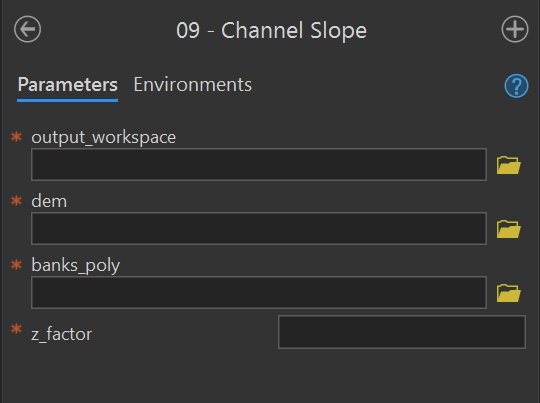
09 - Channel Slope
Purpose - This tool creates the channel_slope raster using these instructions in the user manual. This tool uses banks extent polygon to calculate a slope raster for the channel area.
Code - This ArcGIS script tool calls the Python script FluvialGeomorph-toolbox/tools/_09_ChannelSlope.py.
Parameters - This tool contains the following parameters:
| Parameter | Type | Description | Required |
|---|---|---|---|
| output_workspace | Workspace | Path to the output workspace. | required |
| dem | Raster Dataset | Path to the digital elevation model (DEM). | required |
| banks_poly | Feature Class | Path to a banks polygon feature class representing the channel area for which slope will be calculated. | required |
| z_factor | double | Number of ground x,y units in one surface z unit. | required |
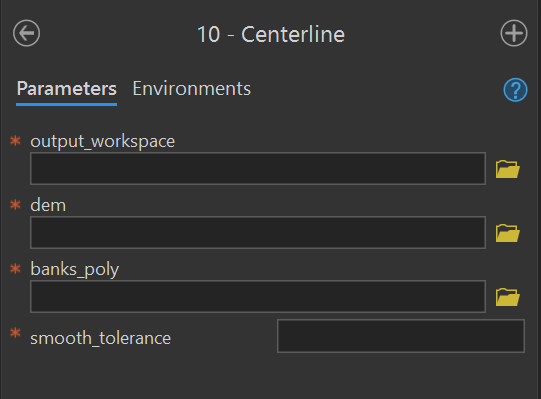
10 - Centerline
Purpose - This tool creates the centerline polyline feature class using these instructions for Level 1 and Level 2 from the user manual. The centerline is the strem flow path that lies midway between the banks at bankfull.
Code - This ArcGIS script tool calls the Python script FluvialGeomorph-toolbox/tools/_10_Centerline.py.
Parameters - This tool contains the following parameters:
| Parameter | Type | Description | Required |
|---|---|---|---|
| output_workspace | Workspace | Path to the output workspace. | required |
| dem | Raster Dataset | Path to the digital elevation model (DEM). | required |
| banks_poly | Feature Class | Path to a banks polygon representing the channel area for which slope will be calculated. | required |
| smooth_tolerance | long | The PAEK smoothing tolerance that controls the calculating of new vertices. Acceptable smoothing occurs with values between 2 - 5. | required |
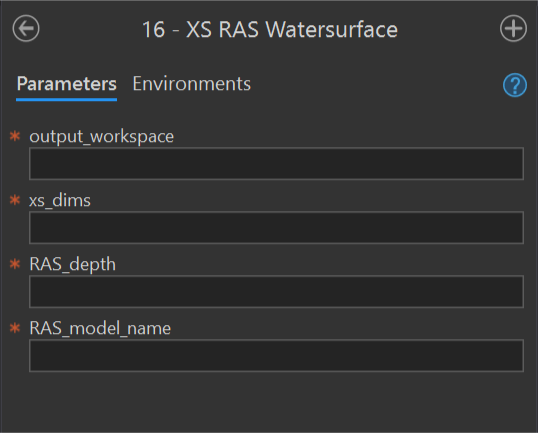
16 - XS RAS Watersurface
Purpose - This tool adds or updates the field ras_wse_* to a cross section dimensions feature class using these instructions for Level 2 and Level 3 from the user manual.
Code - This ArcGIS script tool calls the Python script FluvialGeomorph-toolbox/tools/_16_XS_RAS_WaterSurface.py.
Parameters - This tool contains the following parameters:
| Parameter | Type | Description | Required |
|---|---|---|---|
| output_workspace | Workspace | Path to the output workspace. | required |
| xs_dimensions | Feature Class | Path to a cross section dimension line feature class. | required |
| RAS_depth | string | Path to the RAS model depth raster (elevation units feet). | required |
| RAS_model_name | string | Name of the RAS model that the depth raster represents. This name will be used to name the calculated WSE fields. | required |